Using AI to Make Sign Templates for Your Shop
· 2 min read
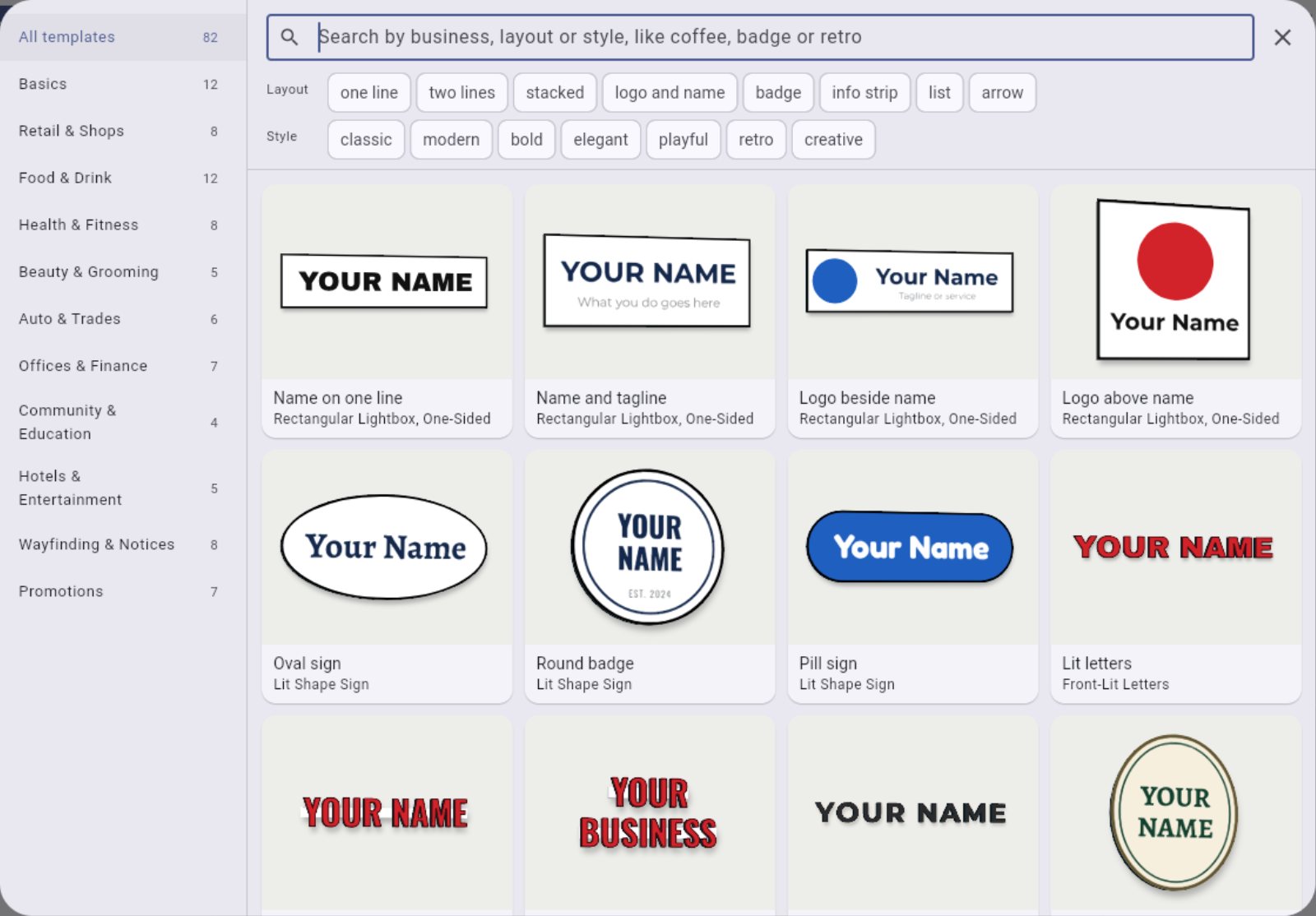
Short answer: with the right written instructions, an AI assistant can turn a description like "a two-line cafe sign in warm white neon" into a ready starter template, using only the sign types, fonts and colors you offer. It checks the template fits, then shows you a preview before customers see it.
Why templates matter
A blank canvas is hard. Most customers start faster from a layout that looks like their kind of business: a barber, a bakery, a dental practice, a bar. Good templates lead to more finished designs, and designs that look better.
The problem is making enough of them. Every local trade, seasonal offer and big client could use its own, and laying each one out by hand takes time.
How AI fits in
General AI image tools are not the answer here. They draw pictures of signs you may not be able to build, with fonts you do not have.
What works is an AI assistant that follows a skill, a written set of instructions that tells it:
- which sign types, fonts and colors your shop offers
- the minimum sizes, such as minimum letter heights for neon
- the rules to follow, such as using made-up business names rather than real brands, and no claims like certifications
- how to check the result and show a preview
You describe what you want. The assistant picks the sign type, size, fonts and colors, and places the text and shapes.
The checks matter most
The useful part is not the layout, it is the checking. A template should be rejected if:
- a font or color does not exist in your range
- the text runs off the edge of the sign
- the size is outside what you make
Those are the same checks your own templates should pass. Then you look at the preview and decide whether it goes live.
Ideas for templates
- one for each trade in your town, like a florist, a gym or a tattoo studio
- seasonal ones for holidays and sales
- a set for a large client with many locations, in their colors
- event and wedding neon, if you make it
How it works with Sign Designer
We share our template skill with your shop. It is the same set of instructions we use to make our own starter templates. You use it with an AI assistant that supports skills, such as Claude. It lays out new templates with your sign types, fonts and colors, checks that everything fits, and shows you a preview. New templates then appear in your gallery for your customers. Sign Designer comes with 88 starter templates in 12 categories to begin with. Read more about shop settings.